First type in the address bar your website address (domain name) and then /admin or /manager.
- Example: www.DOMAINNAMEcom/admin
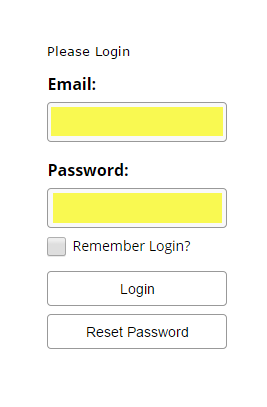
Then enter in your Login information (if you do not know your login, please contact Zgraph Support):
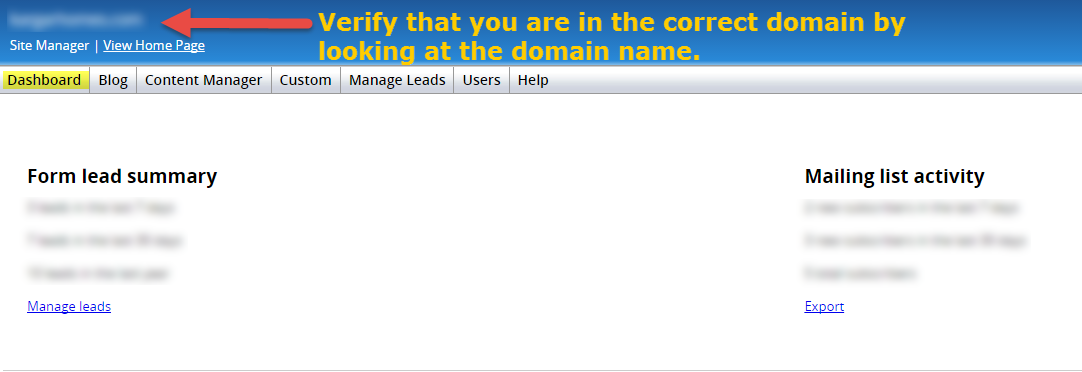
When you Login it will take you to your Dashboard.
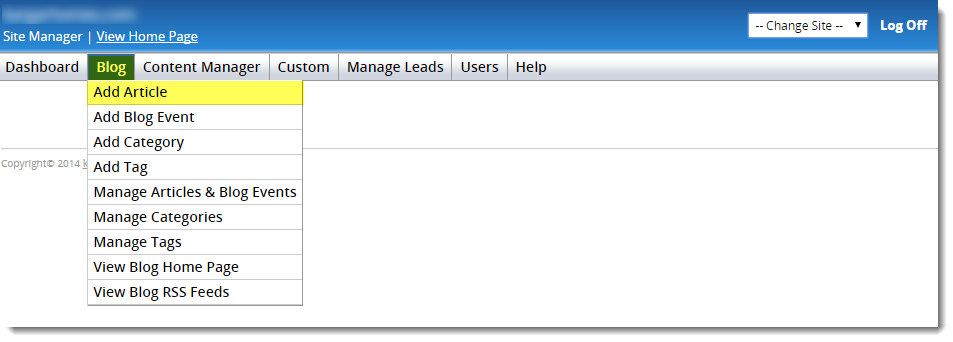
Hover over the Blog tab>Click Add Article
Then follow these steps below to complete the details of your blog article.
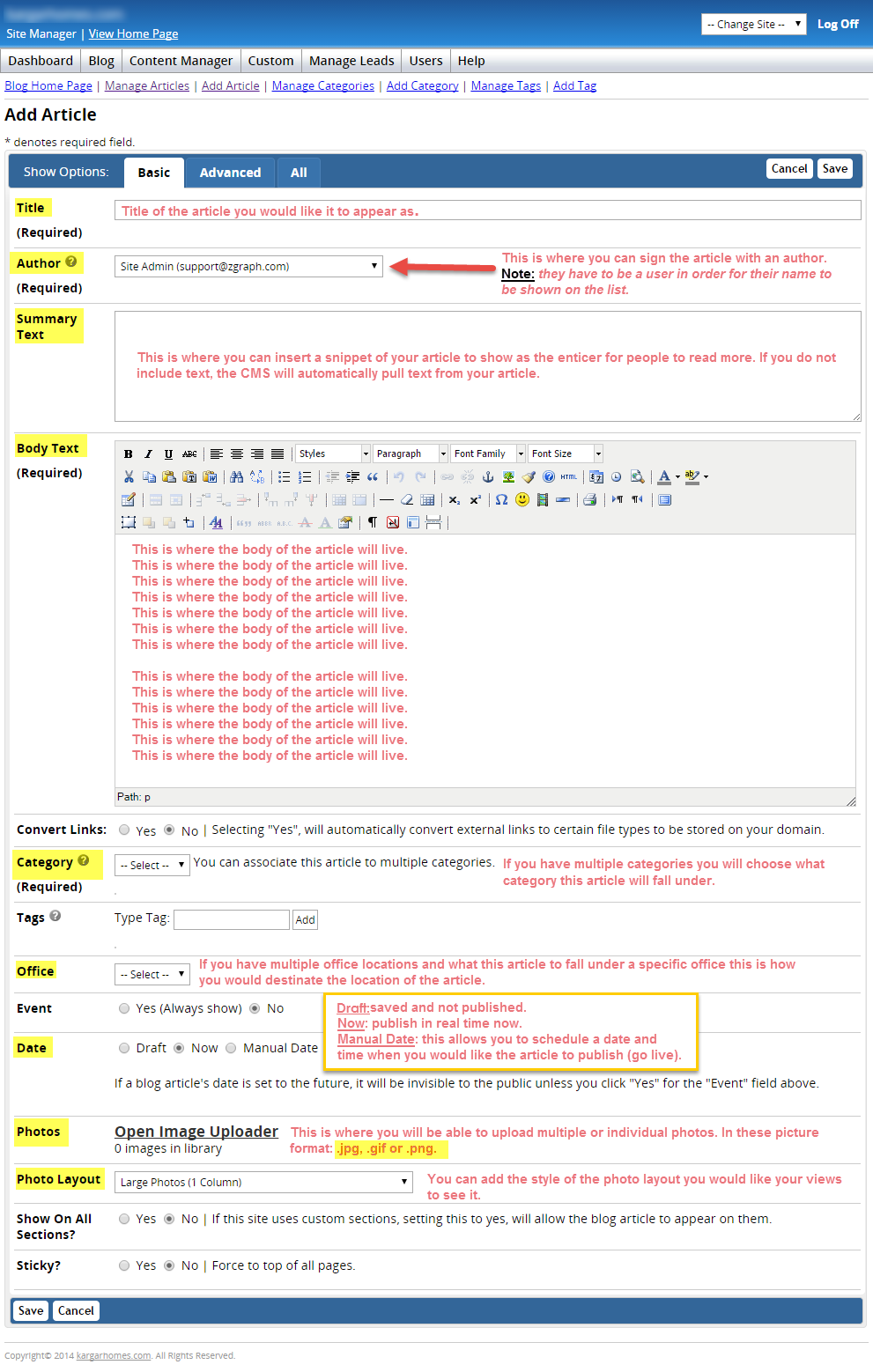
Once you have included all of your necessary information, click Save.
Comments